Automatic actions on orders: SLA timers, auto-transitions and assignment rules your team doesn't have to remember.
What WFA rules are
WFA (Workflow Automation) rules are your team's muscle memory, codified: "if an order sits unconfirmed for X hours, flag it", "assign new orders in district Y to agent Z", "auto-advance orders when payment clears".
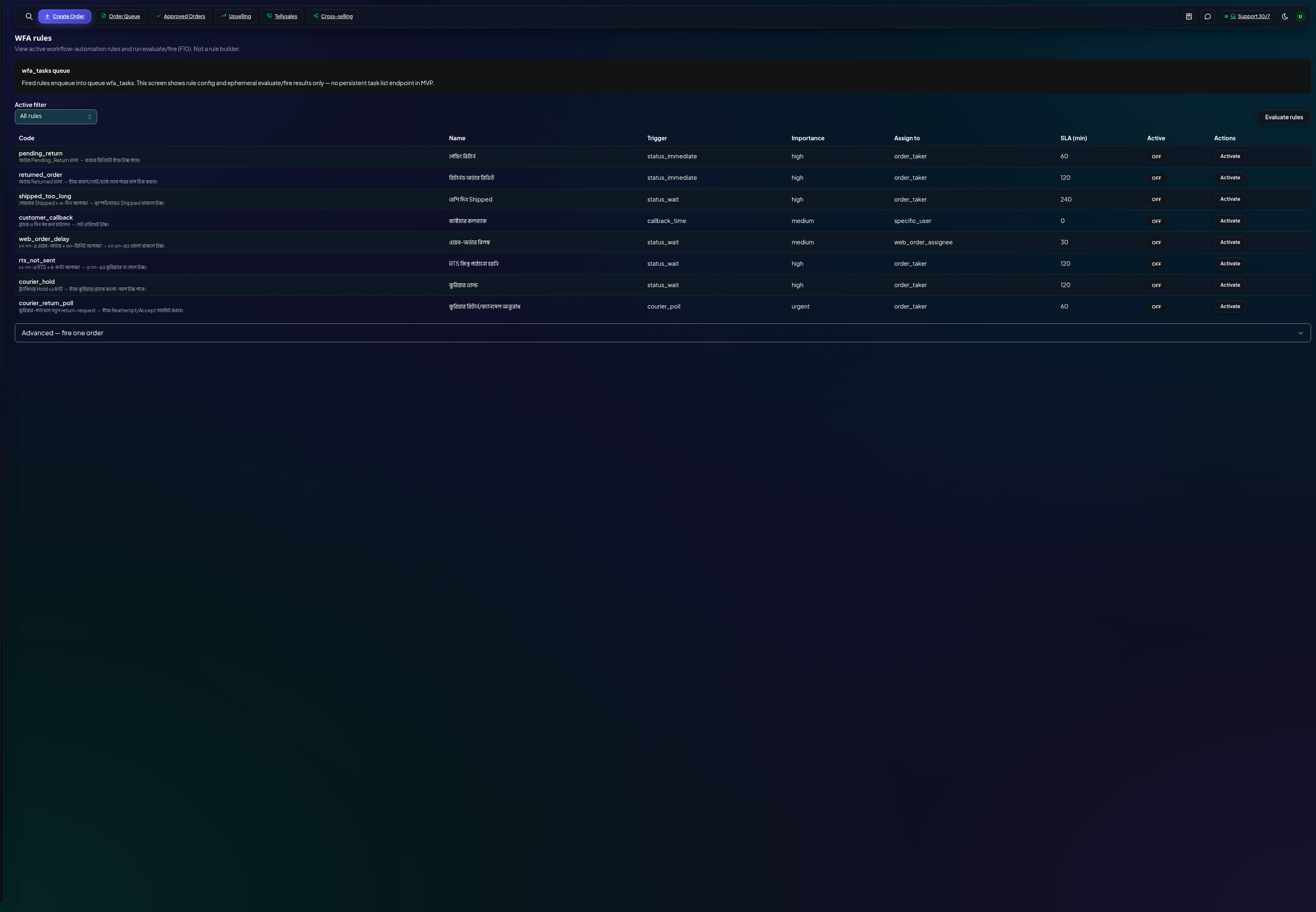
WFA rules with SLA and active toggles
Managing rules
Each rule has a condition (status, age, source…) and an action (transition, assign, notify).
SLA — set how long an order may sit in a stage before the rule fires.
Active toggle — pause a rule without deleting it; re-enable any time.
Tips
Start with one rule, watch it for a week, then add more — stacked rules can surprise you.
Rules run through the same transitions as manual actions, so every auto-change still lands in the order's history.