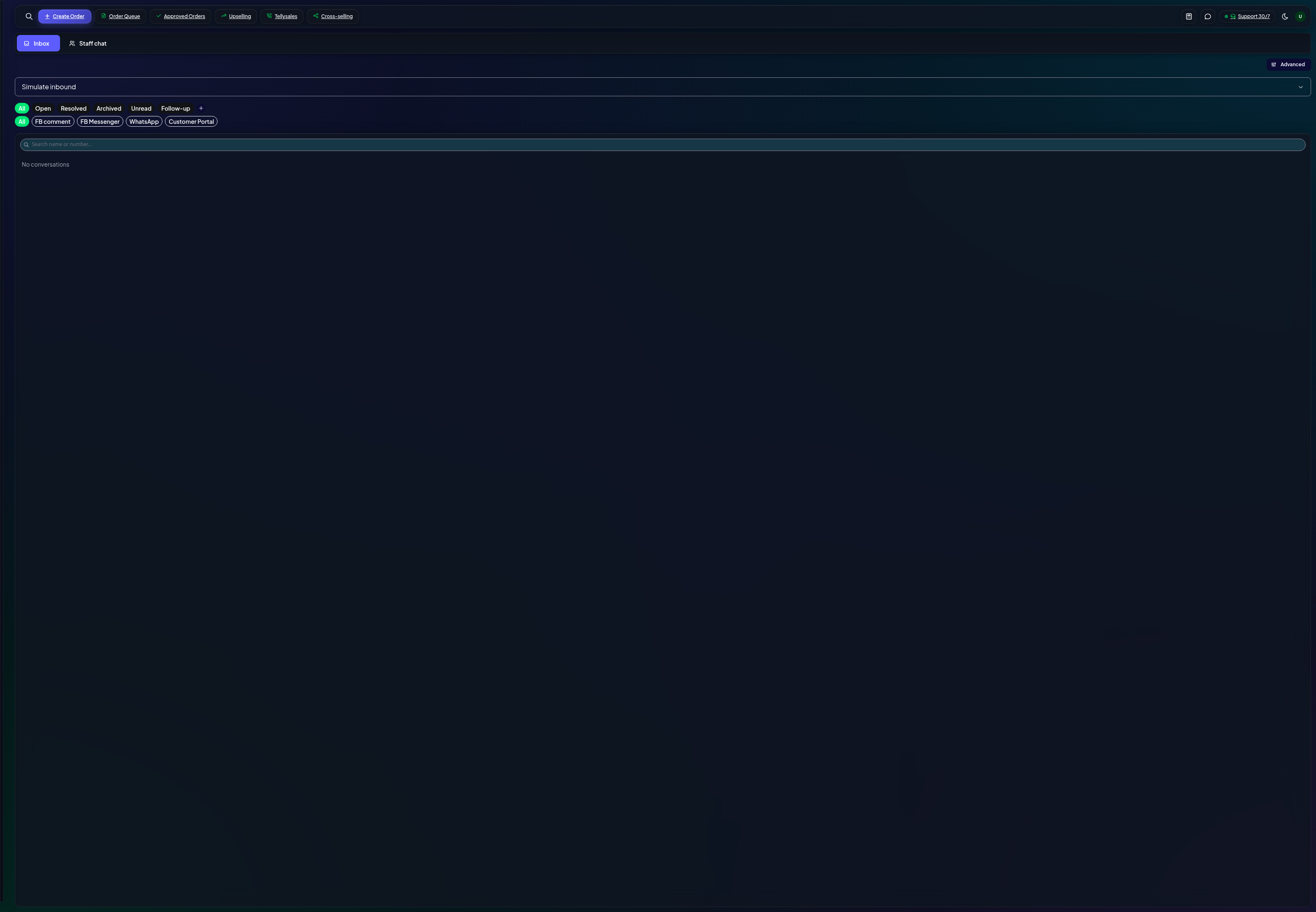
Facebook Messenger, WhatsApp and customer chat threads in a single queue — reply, assign and resolve without switching tabs.
What the inbox collects
The inbox merges every customer conversation into one queue: Messenger from your Facebook pages, WhatsApp Business messages, and chat from the consumer portal. Each thread shows the customer, their history, and reply tools.
Inbox — unified conversation list
Working conversations
Pick a thread — newest unread sit at the top (the unread ones are visually distinct).
Reply inline — text, or the attachments your channel supports.
Filter by channel, page, or state — open, pending, resolved.
On mobile the list collapses to a master-detail view — back returns to the queue.
Connect your channels
Facebook — connect your page from the inbox's channel menu (Advanced → connect). Your Meta app credentials do the rest.
WhatsApp — same flow with your WhatsApp Business number.
Seen/unseen — a tick on your message means delivered; the cyan double-tick means the customer read it.