Menu visibility per role, the security panel (suspicious IPs, block/unblock), notifications and company profile.
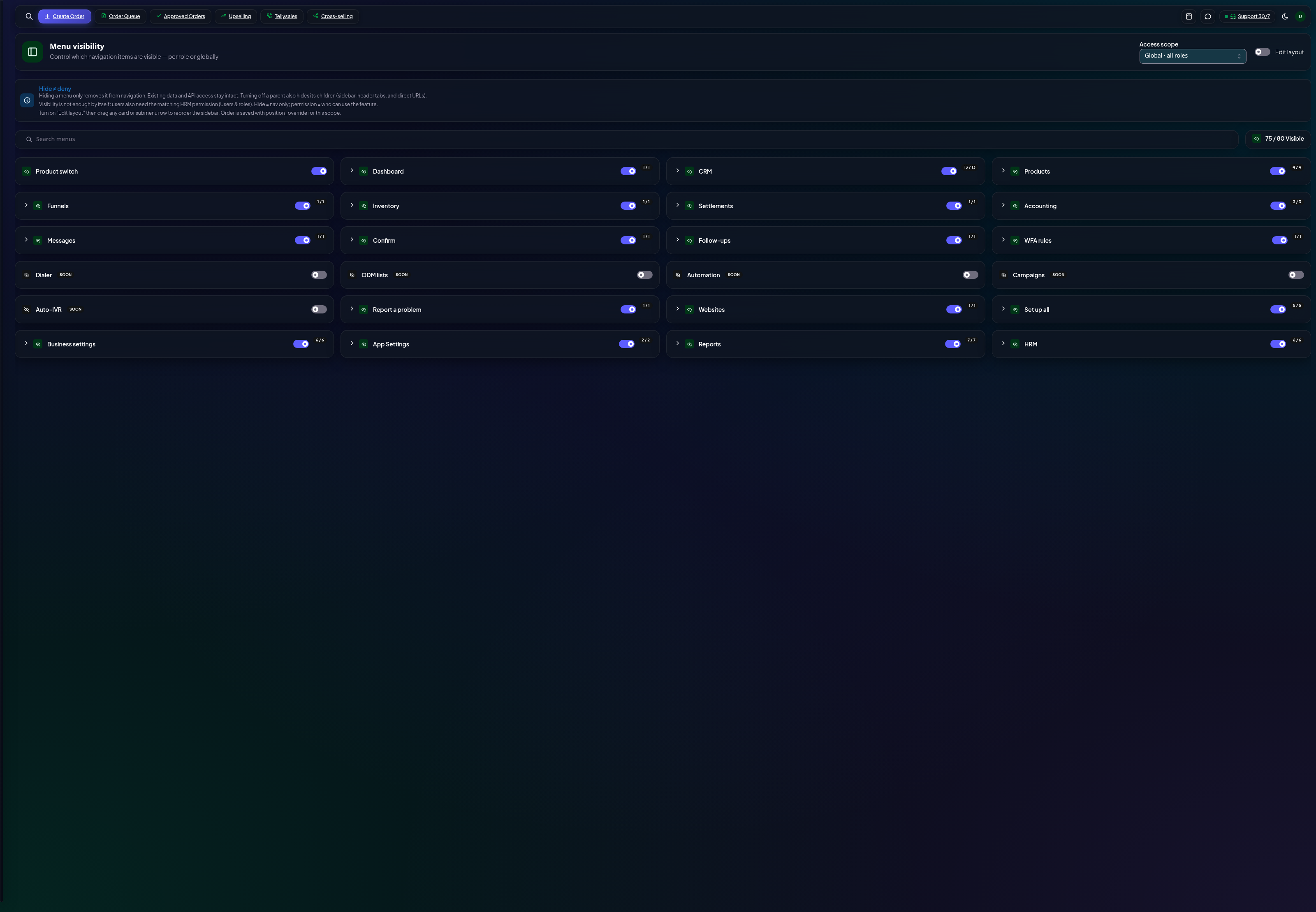
Menu visibility
Control which modules each role sees in the sidebar — a picker sees Orders, an accountant sees Accounting and Reports. Toggle per role; changes apply on the users' next load.
Menu visibility by role
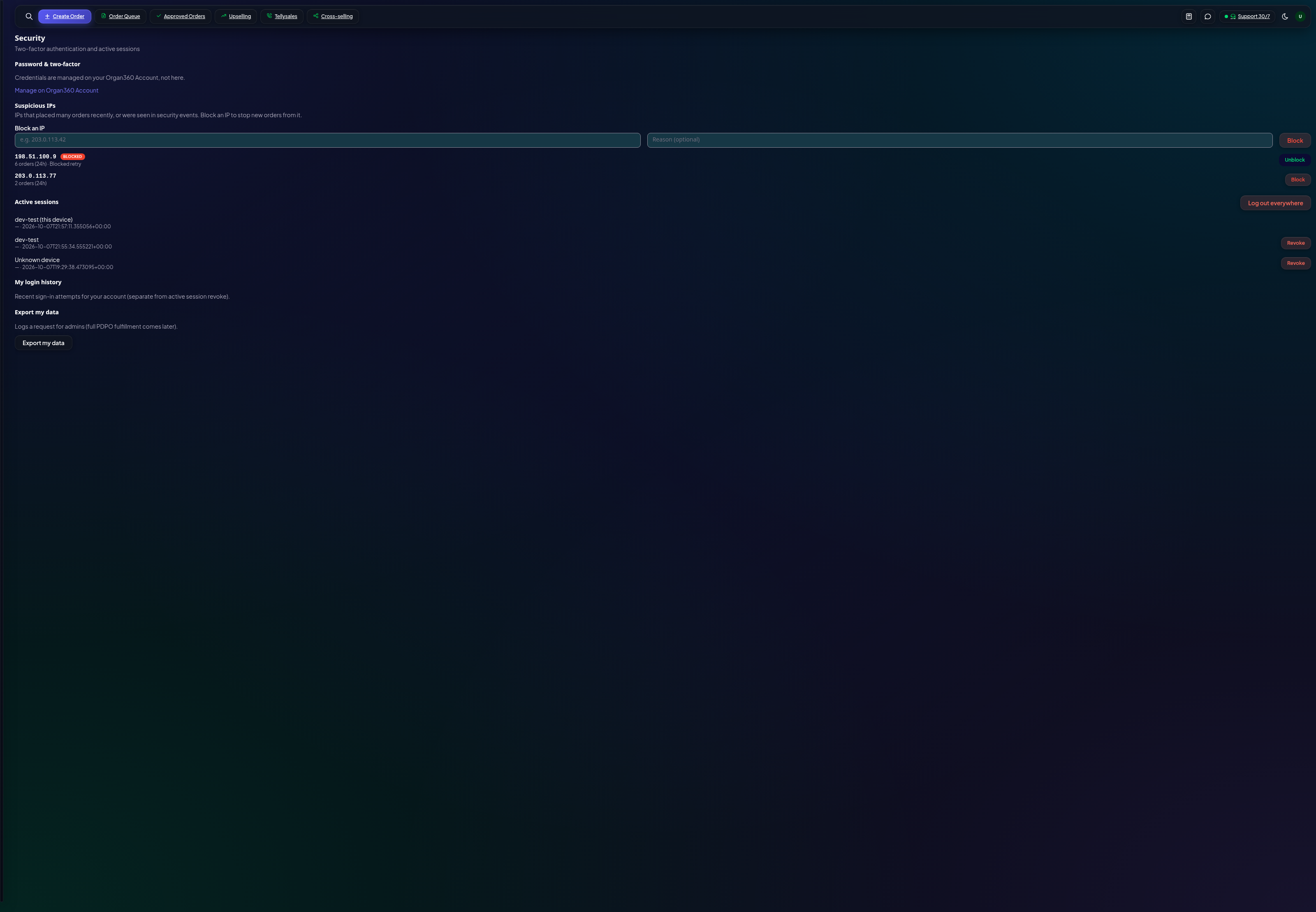
Security
The Security page watches for abuse: customers placing too many orders from one IP, sign-up bursts, and blocked-IP activity. Suspicious IPs list here with a Block button — blocked IPs can't place orders; unblock any time.
Security — suspicious IPs and sessions
Suspicious IPs — auto-detected bursts, ranked; block or dismiss.
Block/unblock — one click, reversible, applies to new orders immediately.
Sessions — see active logins on your account and sign out stale ones.
Also here
Notifications — which events email or push your team (order created, confirmed, shipped…).
Company profile — name, logo (syncs to the consumer portal), print-template branding.
Most of these pages are founder/admin-only by permission.