Accounting — the posting bridge
How order money events post to your ERP journals, what the outbox does, and how to run standalone vs bundled.
What the accounting module is
The CRM never writes to your books directly — every money event (a delivered order, a payment, a refund) goes into a posting outbox first. From there each entry is dispatched to ERP's Posting API, which turns it into a proper journal entry.
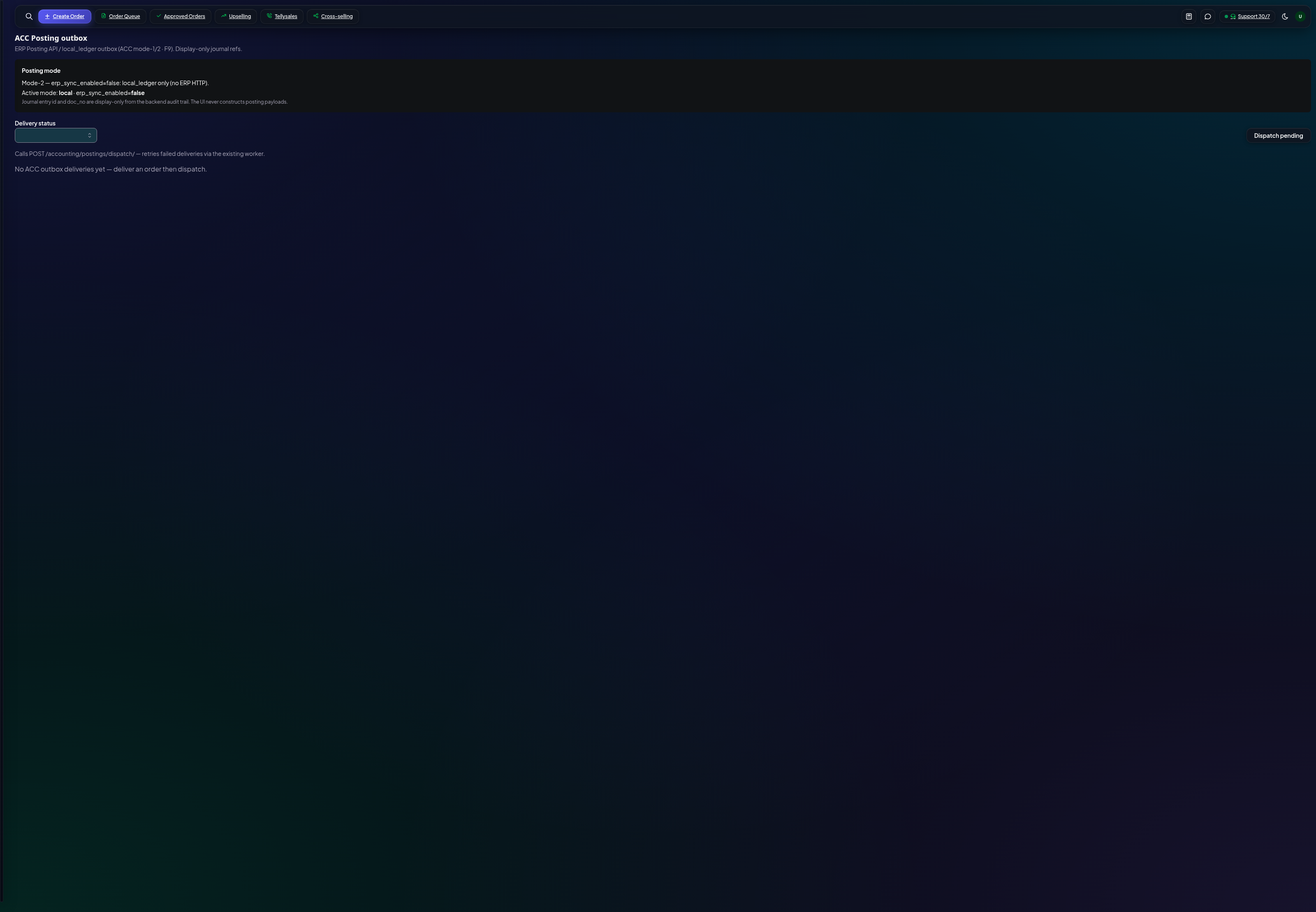
The outbox
The outbox is your audit trail and retry queue. Each row is one business event waiting to post (or already posted). If ERP is unreachable, entries wait here and retry — nothing is lost.
- Posting mode — automatic dispatch when ERP sync is on, or hold for manual review.
- Dispatch — force-push pending entries after fixing a connection issue.
Standalone vs bundled
CRM alone (standalone mode) keeps a simple local ledger — sales totals you can report on without ERP. Bundled with Organ360 ERP, the same events become real journals in your accounts. The switch is the `erp_sync_enabled` flag — your founder controls it.